FI Tracker Tutorial
Welcome to the Mad Fientist's FI Laboratory!
This short tutorial will teach you how to chart your progress to financial independence with the FI Tracker.
Entering Data
The first thing you should do is enter the current month's data.
To do this, click on the Numbers link on the sidebar.
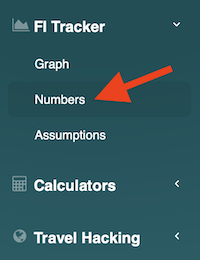
Then, click the New Record button.

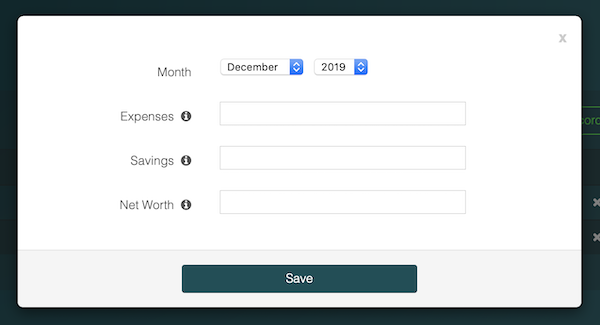
On the New Record popup, you can enter numbers for a particular month.
Personal Capital
The easiest way to figure out your monthly numbers is to sign up for an account at Personal Capital and let their software calculate everything for you automatically.
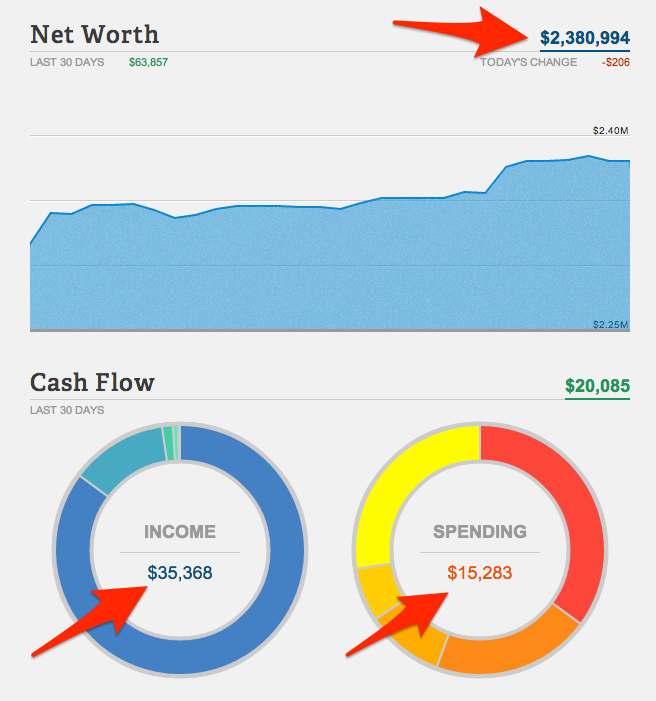
The main dashboard should tell you everything you need to know so simply log in to Personal Capital once a month to quickly access your numbers.
If you don't have an account yet, you can sign up for free here.
Graph
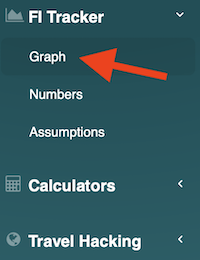
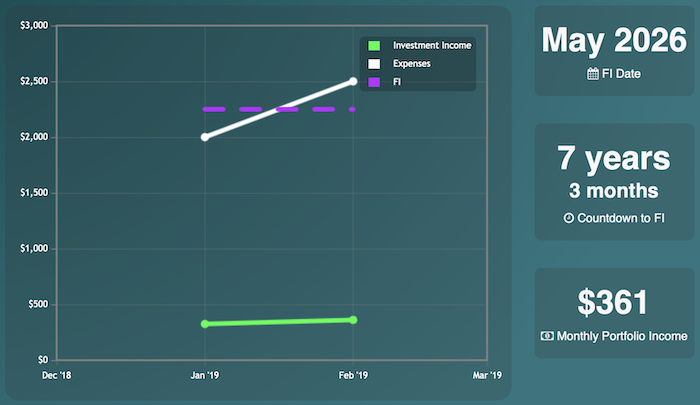
Once you've inputed some numbers, you can click the Graph link to view your progress.
On the graph page, you can see your progress chart, your tentative FI date, and a countdown to FI.
Assumptions
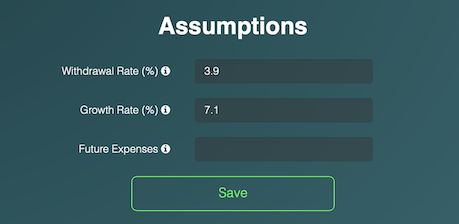
The FI Date and Countdown to FI sections assume a 7% growth rate and a 4% withdrawal rate. To change these assumptions, simply click the Assumptions link.
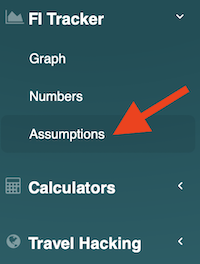
You can then update the assumptions using the form provided.